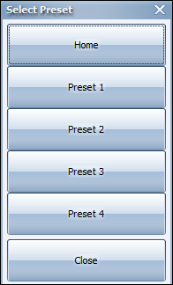
A Digital Preset is a preset view of the playback screen that you achieve without moving the physical camera. Click the Digital Presets button on the Video menu. The Select Preset dialog appears.
You can select one of four predefined preset positions as well as the home view for the camera. The positions are as follows:
Home – normal view
Preset 1 – top left corner
Preset 2 – top right corner
Preset 3 – bottom left
Preset 4 – bottom right
When you select a preset, the Video tab playback window reflects that position.

Comments
0 comments
Please sign in to leave a comment.