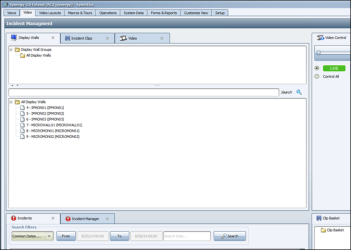
To view your display walls in a tree hierarchy, drag and drop the DisWall Tree button in the Device Selection group of the Customize View menu to any panel in the Primary Window, as shown in the following screenshot:
The display wall groups are listed in the upper panel of the tab and individual display walls are listed in the lower panel. To select a display wall, double-click it in the tree.

Comments
0 comments
Please sign in to leave a comment.