To see what macros are currently defined for your system, click the Run Macro button in the Macros group on the Macros & Tours menu.
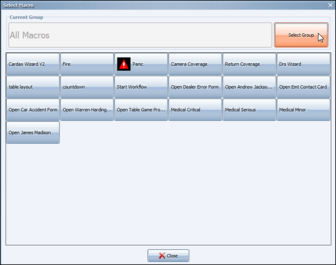
The Select Macro dialog appears.
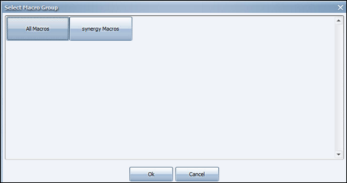
Just as with cameras and monitors in Synergy, macros are organized in groups. Click Select Group. The Select Macro Group dialog appears.
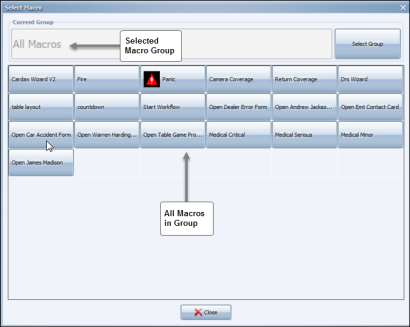
Select a group containing the macros you want to see or run. The All Macros group contains every macro on your system. Buttons for each macro in the group appear on the dialog.

Comments
0 comments
Please sign in to leave a comment.