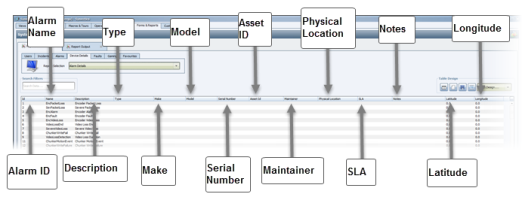
The Alarm Details report provides details about every alarm event that happens in your system. The following screenshot shows the columns included in the table.
Use the Search Filter to narrow your report to a specific alarm or you can report on all alarms in the list.You can also filter the data by selecting column-level values. For details on filtering reports with column-level values, see Filtering Reports on page 1.
To generate a report, when the data that you want is displayed, select an output format and click the Save Data As button at the bottom of the Reports tab.

Comments
0 comments
Please sign in to leave a comment.