The System Status screen provides information about the current state of your Synergy system in terms of user and incident sessions, the tasks in which cameras and monitors are engaged, camera snapshot configuration, and the health and status of your digital recording equipment and recording events. To access this screen, click the System Status button in the System Status group on the Forms & Reports menu.
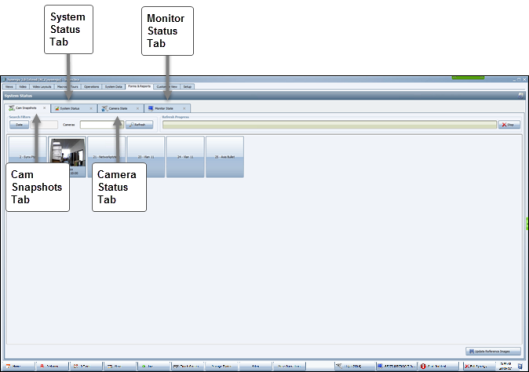
The System Status screen appears, containing four tabs, as shown in the following screenshot.

Comments
0 comments
Please sign in to leave a comment.